needpie
Added in version 0.5.0.
needpie adds a pie-chart to your documentation.
Example 1
.. needpie:: My pie chart

   type == 'req'
   type == 'spec'
   10
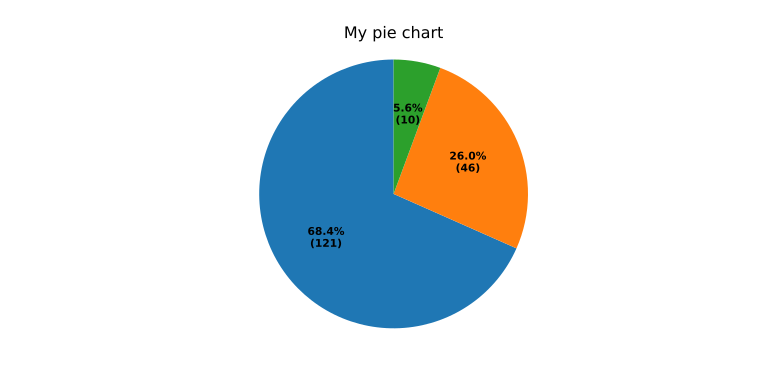
If you provide an argument for the needpie, we use it as the title.
Each content line gets interpreted either as static float/int value or as a Filter string. The amount of found needs by the filter string is then used as value.
You can use Filter function with Python codes to define custom filters for needpie.
Note
This generates multiple image files per needpie and allows
the document engine to pick the appropriate image type (vector or raster).
Options
Example with all options used:
Example 2
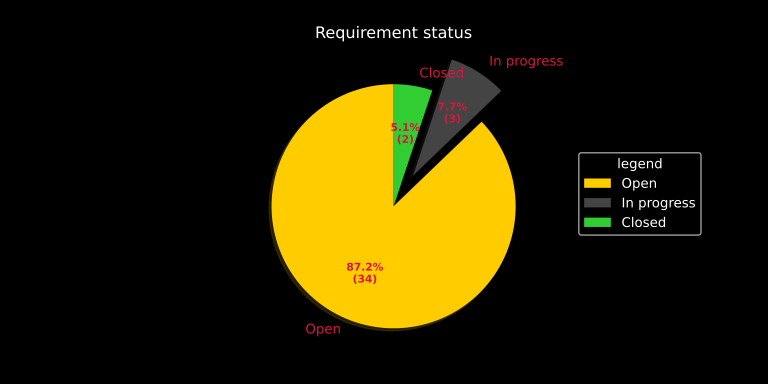
.. needpie:: Requirement status
   :labels: Open, In progress, Closed
   :legend:
   :shadow:
   :explode: 0, 0.3, 0
   :colors: #ffcc00, #444444, limegreen
   :text_color: crimson
   :style: dark_background

   type == 'req' and status == 'open'
   type == 'req' and status == 'in progress'
   type == 'req' and status == 'closed'
labels
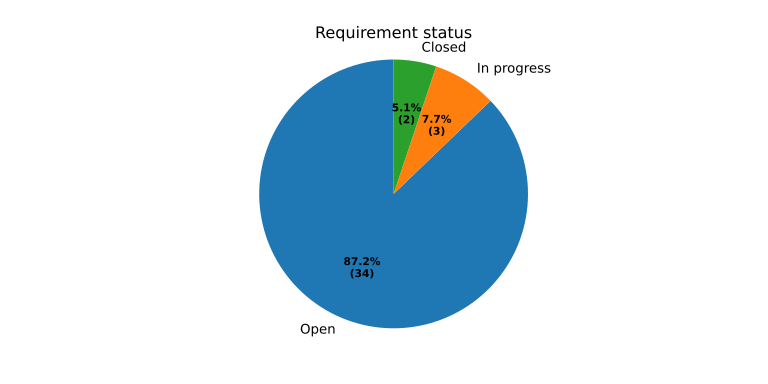
Use :labels: to set labels for each value.
:labels: must get a comma separated string and the amount of labels must match the amount of
values/lines from content.
Example 3
.. needpie:: Requirement status
   :labels: Open, In progress, Closed

   type == 'req' and status == 'open'
   type == 'req' and status == 'in progress'
   type == 'req' and status == 'closed'
legend
You can place a legend on the right side of the pie chart by setting the :legend: flag.
The :legend: flag does not support any values.
Example 4
.. needpie:: Requirement status
   :labels: Open, In progress, Closed
   :legend:

   type == 'req' and status == 'open'
   type == 'req' and status == 'in progress'
   type == 'req' and status == 'closed'
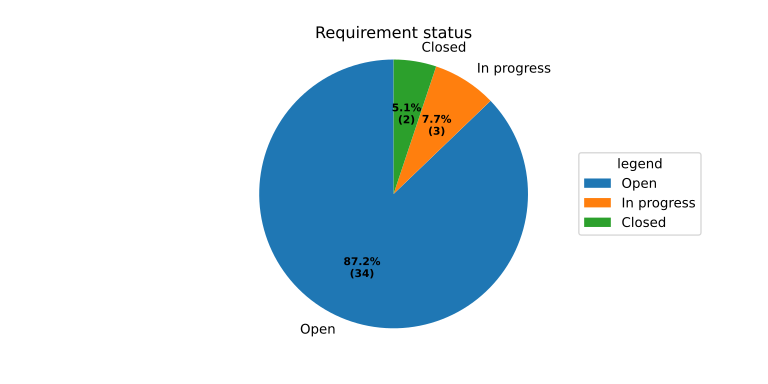
explode
:explode: takes a comma-separated list of floats and defines how much space a specific pie-part
moves of from center.
The amount of values for :explode: must match the amount of values / content lines.
Useful values for :explode: are between 0 and 0.3
Example 5
.. needpie:: Requirement status
   :explode: 0,0.2,0

   type == 'req' and status == 'open'
   type == 'req' and status == 'in progress'
   type == 'req' and status == 'closed'
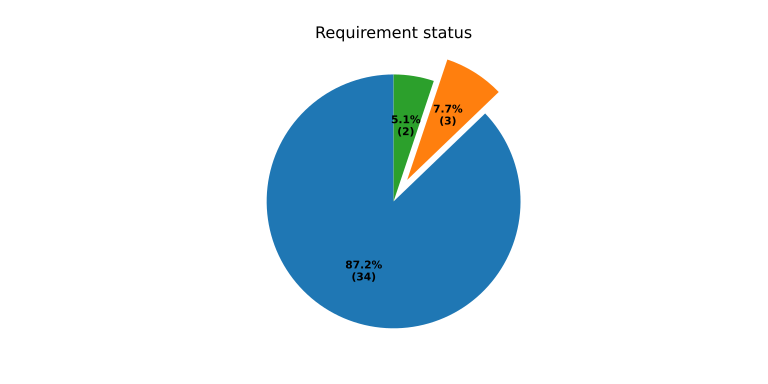
shadow
:shadow: activates a shadow in the pie chart. It does not support any further values.
Example 6
.. needpie:: Requirement status
   :explode: 0,0.2,0
   :shadow:

   type == 'req' and status == 'open'
   type == 'req' and status == 'in progress'
   type == 'req' and status == 'closed'
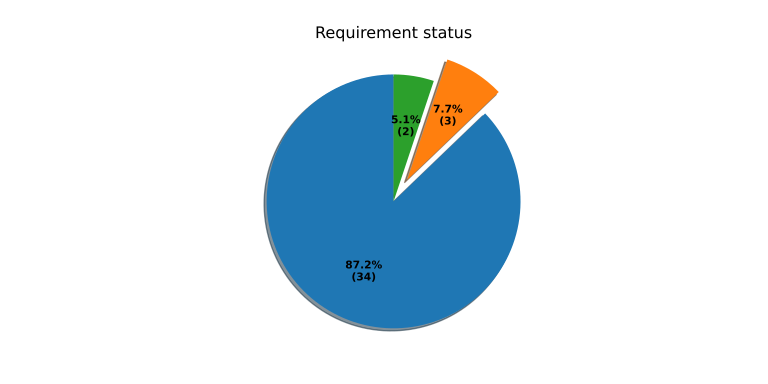
colors
:color: takes a comma separated list of color names and uses them for the pie pieces.
See Matplotlib documentation of supported colors for a complete list of color names.
But besides names, the :colors: option also supports hex-values like #ffcc00.
Example 7
.. needpie:: Requirement status
   :colors: lightcoral, gold, #555555

   type == 'req' and status == 'open'
   type == 'req' and status == 'in progress'
   type == 'req' and status == 'closed'
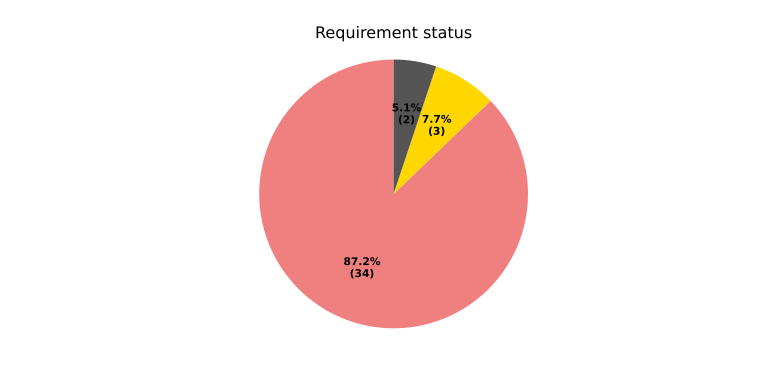
text_color
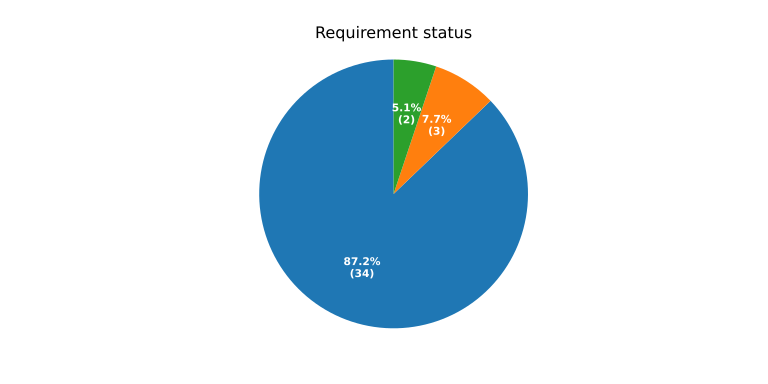
:text_color: defines the color for text inside the pie pieces and the labels.
Note
Setting the :text_color: option does not change the legend and title color.
Example 8
.. needpie:: Requirement status
   :text_color: w

   type == 'req' and status == 'open'
   type == 'req' and status == 'in progress'
   type == 'req' and status == 'closed'
style
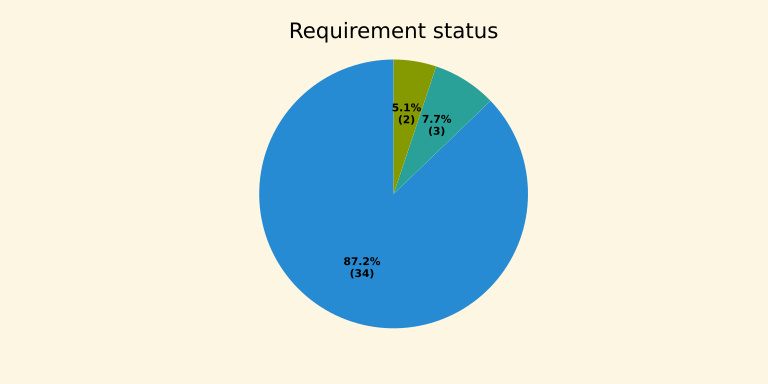
:style: activates a complete style (colors, font, sizes) for a pie chart.
It takes a string, which must match the
supported Matplotlib style names.
Useful styles are for example:
default
classic
Solarize_Light2
dark_background
grayscale
Example 9
.. needpie:: Requirement status
   :style: Solarize_Light2

   type == 'req' and status == 'open'
   type == 'req' and status == 'in progress'
   type == 'req' and status == 'closed'
overlapping labels
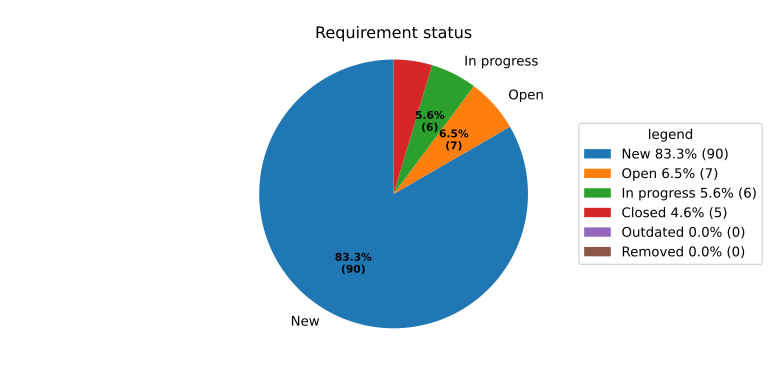
In the past we had overlapping labels. See following diagram.
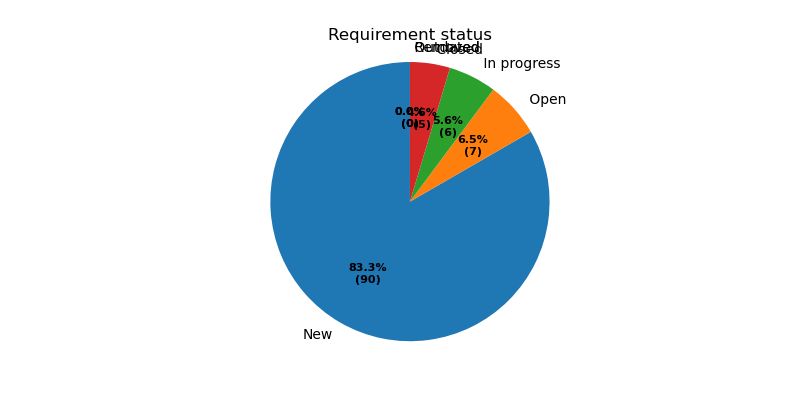
Now overlapping labels are removed, and we automatically add a legend with removed information.
Example 10
.. needpie:: Requirement status
   :labels: New, Open, In progress, Closed, Outdated, Removed

   90
   7
   6
   5
   0
   0